Credentials
A credential holds the login data a node needs: a password, a token, an SMTP server, a connection string. You create it once and select it in nodes. The secret never appears in the workflow itself.
Open Credentials in the top bar to see them.
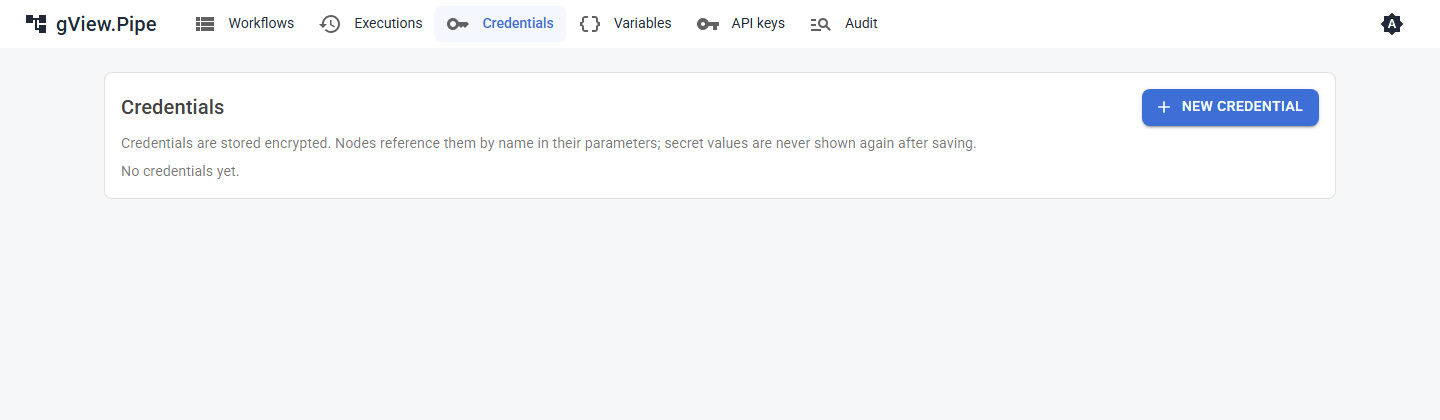
Create a credential
- Click New credential.
- Choose the type and give it a name.
- Fill in the fields. Secret fields (passwords, tokens) are masked.
- Save.
The list shows the name, the type and the id of each credential. The id is what the workflow stores and what an administrator enters in the configuration (for example for a Git server).
Important
After saving, secret fields are never shown again. To change a secret, enter it anew. Credentials are stored encrypted on the server.
Types
| Type | Used by | Fields |
|---|---|---|
| Basic Auth | HTTP Request, Webhook Trigger, Git servers | user name, password |
| Bearer Token | HTTP Request, Webhook Trigger, Git servers | token |
| API Key Header | HTTP Request, Webhook Trigger | header name, value |
| Connection String | SQL | provider (sqlserver, postgres or sqlite), connection string |
| SMTP | Send Email | host, port, security (auto, SSL on connect, StartTLS, none), user name, password, sender address |
The exact fields are listed in the credential types of the node reference.
Use a credential
Parameters that need a credential show a drop-down with the credentials of the right types. Select one. The node's hints tell you when it is missing.
- HTTP Request: the credential authenticates the call (Basic, Bearer or an API key header).
- Webhook Trigger: callers must send the matching
Authorizationheader (or API key header). Without a credential the webhook is public. - SQL: the connection string and provider.
- Send Email: the SMTP server and login.
- Script nodes: the credential's fields are passed to the script as
PIPE_CREDENTIAL_<FIELD>environment variables. Values are masked in the output and in the logs.
Good to know
- A credential belongs to the whole app, not to a workflow. Whoever can edit workflows can use every credential, but not read its secrets.
- Workflow files contain only the credential id. You can share them without sharing secrets; the other installation has to create a credential with the same id or select another one.
- If you move an installation, copy the
credentialsand thekeysfolder together (see the Admin Guide).